
Hosted Voice Softphone enables you to use chat messaging to communicate with existing contacts.
1. From the left panel, click Contacts.
2. Find and click on a contact with whom you want to chat.
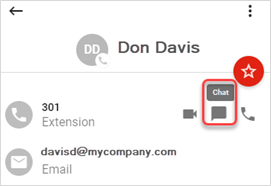
3. Click the chat icon to display the Chat dialog box and start a chat session.
4. While the chat dialog box is open, you can perform the following actions:

