
The Add Music button will allow you to upload an mp3 or WAV format and name the Music on Hold file.
- From the Music on Hold page, click Add Music.

The Add Music page appears.
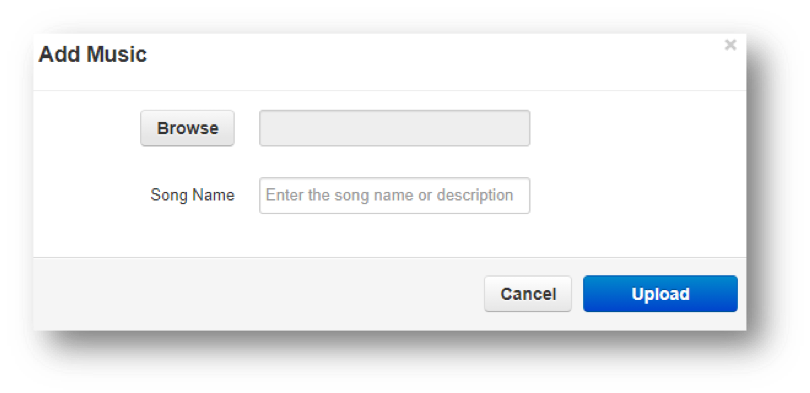
- Click the Browse button. Go to the location where the file you want to import is located.
- Click the file, and then click Open. The path and file appear in the Browse field.
- Enter a name for the song in the Song Name field.
- Click Upload. The music file appears on the Music on Hold page.
Note: Music files must be in MP# or WAV format and properly licensed.