
Call History is a list of all calls made to and from your organization. It can be found by clicking on the Call History icon on the main menu bar. From here, you can review, filter, and export call logs for greater analysis.
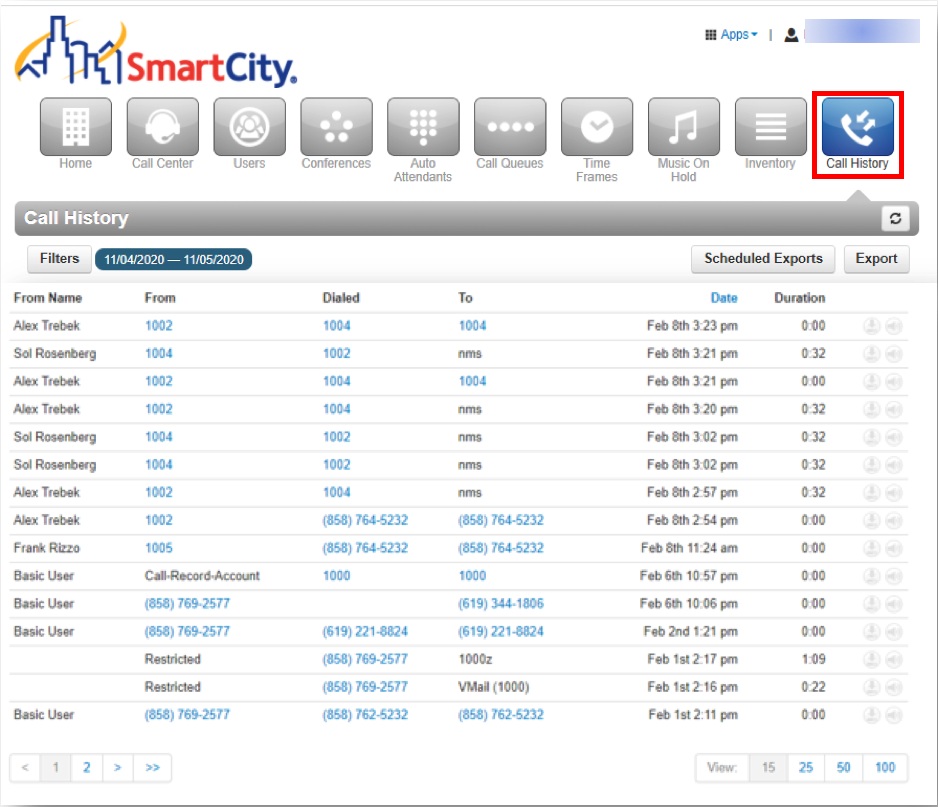
Call History Video Tutorial
Call History on Smart City Connect App
The Call History on the app view displays your call history, including inbound, outbound, and missed calls.
The record displayed shows caller ID, if available, call direction (Inbound, outbound, or missed), call time, and call to action.
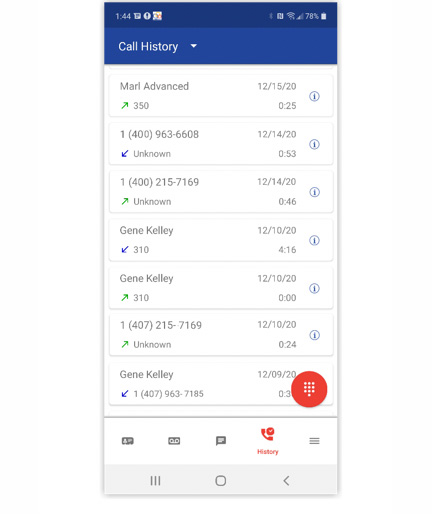
 Info Icon—Pressing the info icon displays additional call details. Press anywhere else on the call history record to return the call.
Switching Call History Views – Press on the Call History Drop Down arrow at the top of the screen to select a view of All, Missed, Inbound, or Outbound Call History.